Click on your username in the top right corner, then select Account Settings.
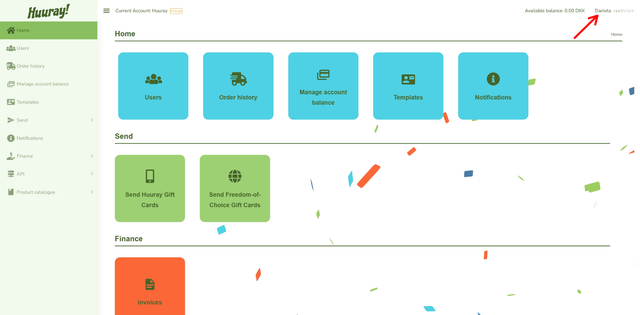
Here you can update company details such as:
- Company name
- VAT number and more
You can also update your account information, including:
- Name
- Email address and more

Choose a category:
Click on your username in the top right corner, then select Account Settings.
Here you can update company details such as:
You can also update your account information, including:
If this didn’t solve it, contact our support team.
Please have your order ID ready when you call.
Weekdays 10–12 and 13–15 (CET)